Yaesu FT-7900
The Yaesu FT-7900 is a fairly inexpensive dual band radio the works well with the DStarClient software. It has a convenient 6 pin connector on the back to conntect to the sound card.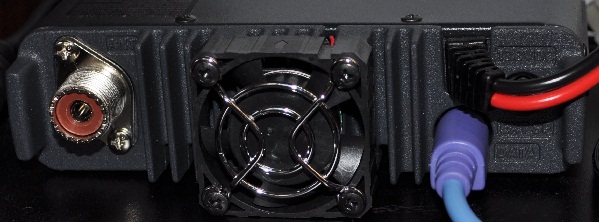
Building the cable
The Yaesu FT-7900 radio uses a common 6 pin mini DIN connector for its packet interface.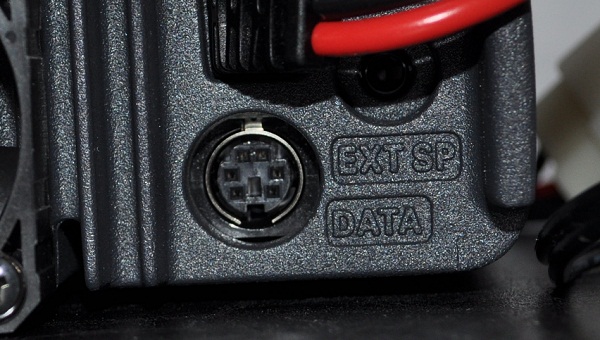
The connectors are available from many electronic supply companies. Here are a few examples.
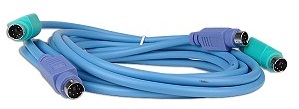
MonoPrice.com sells a 6' PS/2 (M) to (F) Cable for only $1.13 plus shipping (around $4.00 for a whole order). The cables are even cheaper if you buy 2 or more.
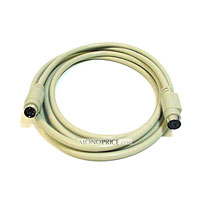
The ComputerGeeks.com (geeks.com) recently had stock of a 6' PS/2 (M) to (M) Keyboard & Mouse Cable Set for only $0.99 plus shipping (around $6.00 for a whole order). Each set gets you 4 of the 6 pin mini DIN connectors.
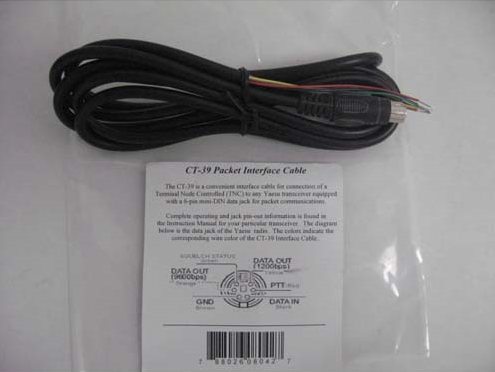
HamCity.com sells the Yaesu CT-39A Packet Interface Cable for $9.99. Make sure you buzz out the connections because the pin name and colors on the package DO NOT match the cable! The Yaesu cable is also available from many other Ham suppliers.
Frys.com sells the plain 6 pin mini DIN connector for $1.29 with free in-store pickup or shipping starts around $2.00/.
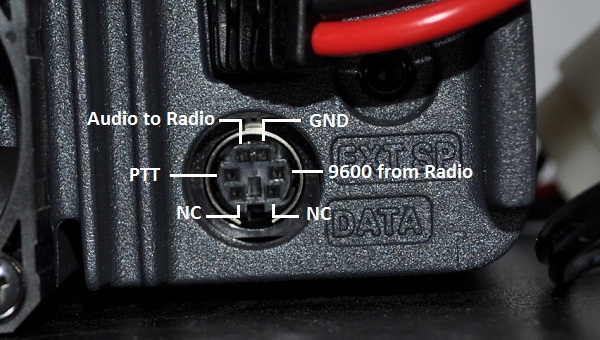
This is the pinout information from the radio manual.
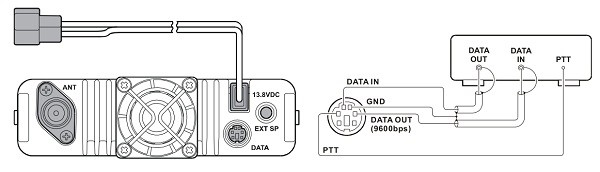
This is a close-up of the connector and the signals.
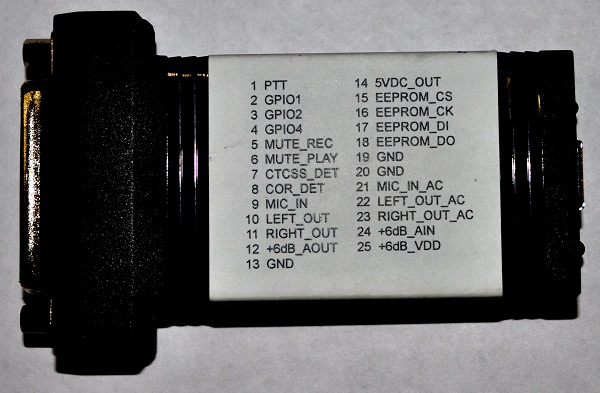
The URI from DMK Engineering can be connected directly to the radio. The URI has a standard DB-25 female connector. These are the pins needed:
Pin 22 - Audio output from PC to radio
Pin 21 - 9600 audio input to PC from radio
Pin 20 - Ground
Pin 1 - PTT
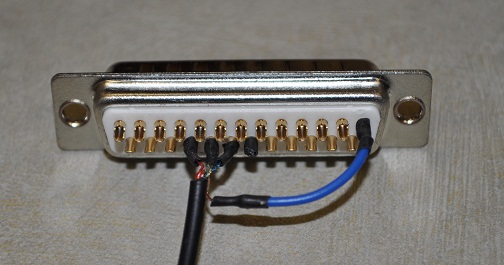
This is an image of the DB-25 male connector with the 4 wires connected.
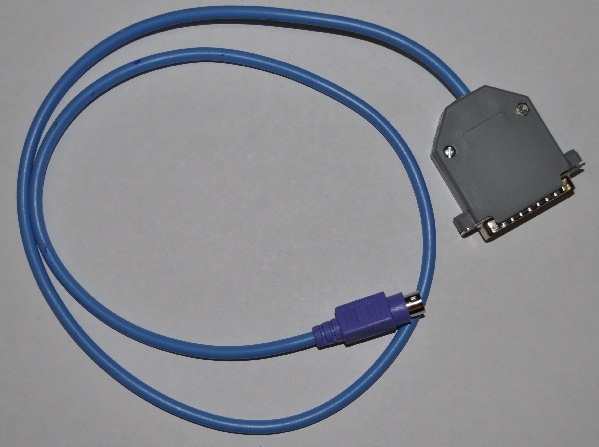
This is an image of a completed cable.
Radio Configuration
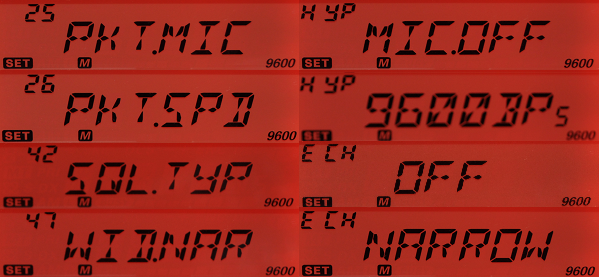
There are a few settings on the radio that must be set correctly otherwise the software will not work.25 - Packet Microphone - OFF (you don't want the audio from the microphone being mixed with the GMSK audio)
26 - Packet Speed - 9600
42 - Squelch Type - OFF
47 - Wide/Narrow Bandwidth - NARROW
You will also need to make sure the Frequency, Offset, Shift and power are set correctly for your repeater.
Here are the settings as they are seen on the radio's front display.
All text and images on ki6zum.com are copyright (c) 2010-2013 and may not be reproduced in any form without written permission.